Free guide
Why Codex Asks If You Trust a Folder (and How to Check a Repo First)
When you open a repo you didn't write, the scary part isn't only the code. It's the settings folder that tells your agent what to load and what to start. Here's how the trust question works in Codex and Claude Code, and what to read before you say yes.
The short version
- A repo's .codex folder is a settings layer: config, hooks, rules and MCP servers. Codex loads it only for trusted projects.
- A local MCP server entry is a command, so trusting a folder can start programs on your machine. The trust grant covers MCP commands outside the sandbox.
- Codex 0.169.0 made scripted codex exec runs ask for trust too: write access alone no longer counts. Add --trust only for repos you've read.
How it actually works
Think of the repo as a ship outside a harbor
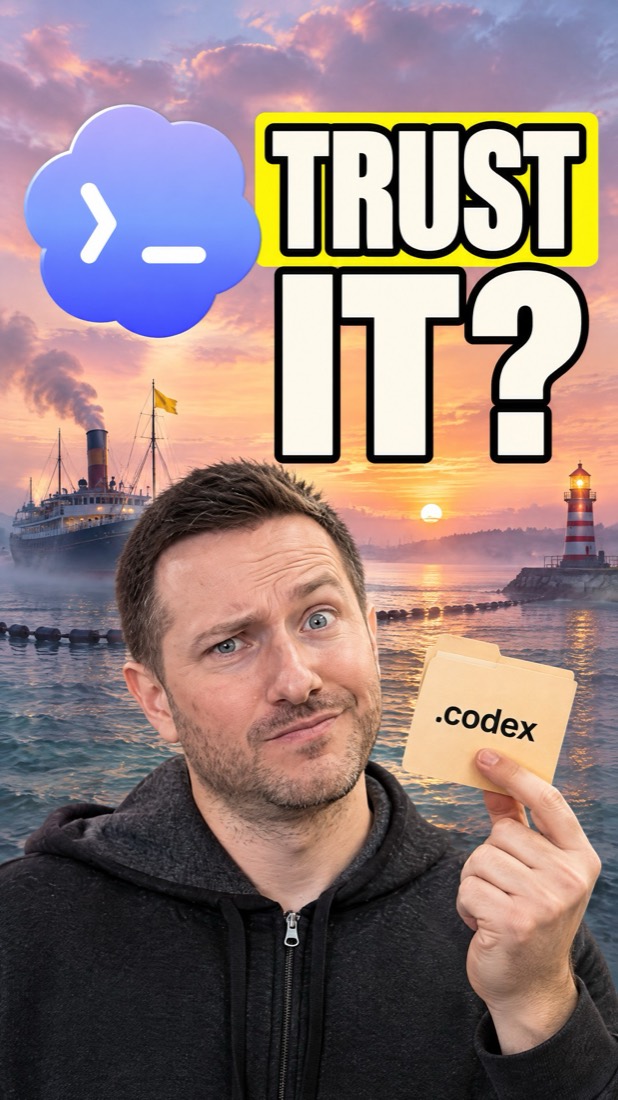
The files are the ship. Its .codex folder is the cargo it wants to bring ashore: settings that change how your agent behaves. Until you trust the folder, that cargo stays on the ship. Your own settings in ~/.codex/config.toml come ashore either way.
What a project's .codex folder can carry
OpenAI's docs say a repo can scope settings with a .codex/config.toml file, and that untrusted projects skip project-scoped .codex layers, including project-local config, hooks and rules. MCP servers can also be scoped to a project in .codex/config.toml, for trusted projects only.
Why an MCP server entry matters
A local (STDIO) MCP server entry has a required command field: the command that starts the server. So a repo that lists a server is asking Codex to start a program on your computer. When you grant trust with the new flag, Codex's own help text says it covers MCP commands outside the sandbox.
What changed in Codex 0.169.0
Released November 13, 2026: codex exec keeps project configuration and MCP servers disabled in untrusted directories, even with --sandbox workspace-write. The pull request behind it (#60041) is titled Require explicit project trust in non-interactive runs; before it, a scripted run with a writable sandbox could grant trust without asking. Now you pass --trust with codex exec or codex review to save trust on purpose.
How to set it up
1.Check your Codex version
The stricter scripted-run behavior is in Codex 0.169.0 (released November 13, 2026). Older installs still behave the old way, so update to 0.169.0 or later.
codex --version2.Read a repo's settings before you trust it
Look for a .codex folder at the repo root and in subfolders. In config.toml, every [mcp_servers.<name>] table with a command line is a program that would start. Check for hooks and rules too.
find . -name .codex -type d cat .codex/config.toml grep -n -A3 'mcp_servers' .codex/config.toml3.Grant trust on purpose in scripted runs
In an untrusted folder, codex exec now warns that project-local configuration is disabled. If you've read the repo's settings and want them, add --trust. It saves trust for this and future chats in that project.
codex exec --trust "run the tests and fix any failures"4.Mark a repo untrusted on purpose
For a repo you never want to load project settings from, add this to your own ~/.codex/config.toml. OpenAI's docs say it also disables project-local configuration, and --trust refuses explicitly untrusted projects.
[projects."/path/to/project"] trust_level = "untrusted"5.Same check in Claude Code
Claude Code shows a workspace trust dialog in interactive sessions, and servers in a project's .mcp.json have their own approval prompt. A claude -p run shows neither, so for a repo you didn't write, read .claude/settings.json and .mcp.json first, or skip the project's settings for that run.
cat .claude/settings.json .mcp.json
claude -p --setting-sources user "summarize this repo"
claude -p --bare "summarize this repo"
The fine print
- Trust is about the project's settings layer. It isn't a malware scan of the code, so still read what you run.
- In Codex, --trust can't be combined with --ignore-user-config, and it refuses projects you marked untrusted until you change that setting.
- In Claude Code, hooks in a project's settings files, the env block and helper commands are used in claude -p even when the folder was never trusted. Anthropic's permissions docs list exactly what runs before you trust a folder. --bare skips hooks, skills, plugins and .mcp.json servers, but the project's env block and some helpers still apply.
FAQ
What does trusting a folder do in Codex?
It lets Codex load the project's .codex layers: project config, hooks, rules and any MCP servers listed there. Without trust, Codex skips them and uses only your user and system config.
What is the --trust flag in codex exec?
Added in Codex 0.169.0, it explicitly saves trust for the project so a non-interactive codex exec or codex review run loads project configuration and MCP servers, including MCP commands outside the sandbox.
Why did my codex exec run ignore my project's config.toml?
Since 0.169.0, codex exec keeps project config and MCP servers off in untrusted folders even with --sandbox workspace-write. Trust the folder once, or add --trust to the run.
Is it safe to clone a repo and open it in a coding agent?
The trust step is what lets a repo's own settings load, start MCP server programs or add permissions. Read the repo's .codex, .claude and .mcp.json files before you say yes, and still read any code you run.
Does Claude Code have the same trust check?
Yes in interactive sessions: a workspace trust dialog plus a separate approval for .mcp.json servers. claude -p and SDK runs show neither prompt, so use --setting-sources user or --bare for repos you didn't write.
Sources
- Codex 0.169.0 release notes
- Pull request #60041: Require explicit project trust in non-interactive runs
- Codex docs: Config basics
- Codex docs: MCP
- Codex docs: Agent approvals and security
- Claude Code docs: Security (trust verification)
- Claude Code docs: What runs before you trust a folder
2026-11-16: checked against the Codex 0.169.0 release notes, PR #60041 and its diff, OpenAI's Codex docs (config basics, MCP, approvals and security) and Anthropic's Claude Code security and permissions docs.
Want help building with tools like this?
Join the Shipping Skool community free. Paid members get live bootcamp calls every week and weekly-updated courses.
Join Shipping SkoolMore free guides
Chrome DevTools MCP: Let Your Coding Agent See the Page It Builds
Google's free, open-source way to give your coding agent a real Chrome window and the DevTools you already use. What it does, how it works, how to set it up, and the fine print.
GPT-6.2 Drops Its Reasoning When You Edit Old Messages: How to Keep It
Every reasoning item is now tied to the conversation before it. Edit that history and the API drops the reasoning that follows. Here's how it works and how to keep it.
Inkling 2 Mini: Run Thinking Machines' Looped AI Model on Your Mac
Thinking Machines' new open-weights model runs on a 32GB Mac with the wifi off. What it is, how the loop trick works, how to set it up, and the fine print.