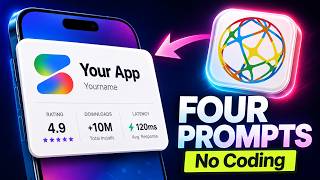
Build an App with AI

How to Build an App with AI for Free (No Coding Required)

The short answer

You can build a real app with AI without knowing how to code: describe what you want in plain English to an AI builder (Google AI Studio, Claude Code, or Codex), let it generate the code, test it, ask for fixes, and deploy it. You can start for free: Google AI Studio has a free tier and runs in the browser. The skill that matters is describing the product clearly and checking the result — not syntax.

The fastest path for a beginner is to start small: one screen, one job, one user. A micro app — a calculator, a booking form, a tracker — teaches the whole loop (prompt → preview → fix → deploy) in an afternoon.

From there you add the pieces real products need: a database, login, payments, and a domain. AI tools handle most of the code; you learn enough about each piece to tell the AI what to build and to notice when it gets it wrong.

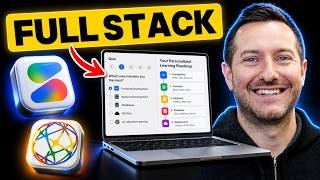
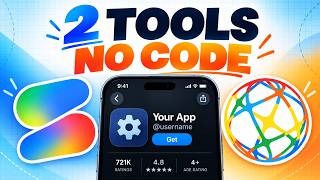
Shipping Skool teaches exactly this path, live, four times a week — and the videos below walk through it build by build.
Frequently asked questions

Can I build an app with AI if I can't code?

Yes. Tools like Google AI Studio, Claude Code, and Codex write the code from plain-English instructions. You still need to describe the app clearly, test it, and ask for fixes — that's the skill to learn, and it doesn't require a programming background.

What's the easiest AI tool for building a first app?

For a complete beginner, a browser-based builder such as Google AI Studio is the easiest start because there's nothing to install. Once you want more control over a real codebase, move to an agent like Claude Code or Codex.

How long does it take to build an app with AI?

A simple micro app can be built and deployed in under an hour. A product with accounts, a database, and payments typically takes days to a few weeks, depending on scope and how much you iterate.

More topics