Free guide
GIFs in Gemini: Make Your Own Looping GIF From One Sentence
Gemini can now make short looping GIFs from a sentence, your photos or a video. Where to find it, how to get a loop that doesn't jump, and who can use it.
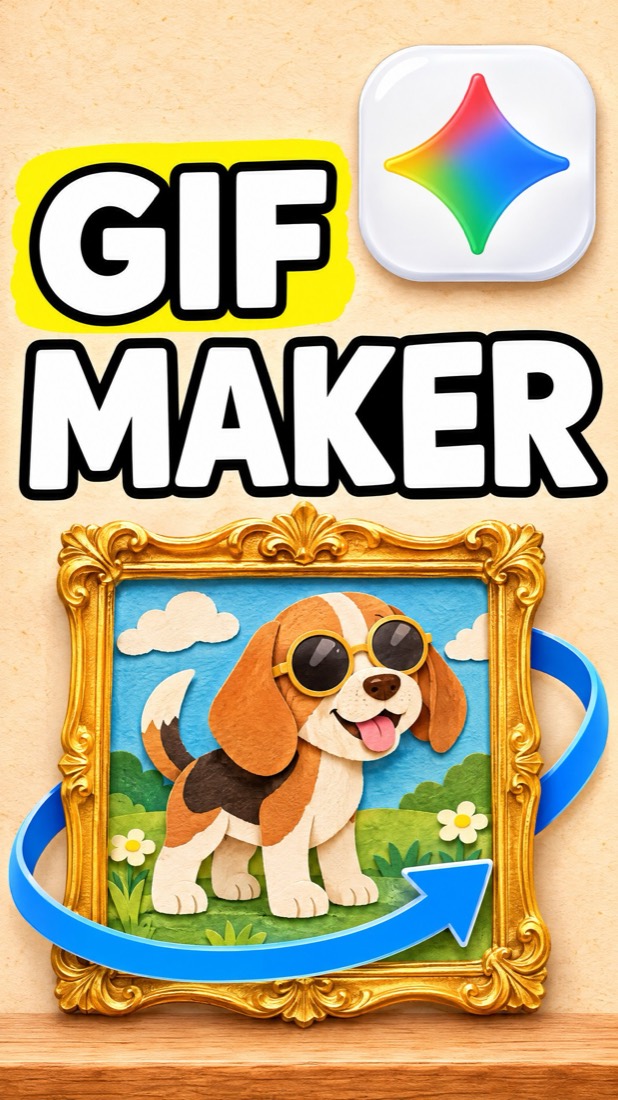
The short version
- Google added GIFs to the Gemini app on November 20, 2026. They're made with Gemini Omni 1.2 Flash, Google's newest video model.
- Each GIF is a short loop, about 3 seconds. You can start from text, up to 5 images, or one video.
- Copy and paste it anywhere that takes an animated GIF, or download it as a .gif. Free in 8 countries, Google says, and rolling out gradually.
How it actually works
It's a tiny video that plays forever
A GIF from Gemini is a short clip, about 3 seconds, made by the same model Google uses for video: Gemini Omni 1.2 Flash. Instead of hunting through a GIF library for something close enough, you describe the exact reaction you want, or hand it your own photos, and it makes that one.
The loop is the hard part
A looping clip plays its last frame straight into its first. If the character ends somewhere other than where it started, you see a jump every time it repeats. Think of a carousel horse: every ride ends where it began. Google says Omni 1.2 Flash keeps characters, objects and scenes more consistent from the first frame to the last, with less drift, and its GIF announcement promises consistent quality across every frame.
Your own photos and your own face
You can upload up to 5 images or one video and make them move, so a real photo of your dog, your product or your shop can become the loop. To put yourself in it, type @ followed by your Google username in the prompt to use your avatar.
Edit it with words
After a GIF is made, you can ask for changes in a follow-up prompt, like removing or replacing an object or character, changing the camera angle, or changing the scene.
How to set it up
1.Check you can use it
Google says GIFs are free in the US, UK, Canada, Australia, Japan, Korea, Germany and France, and available to all Google AI subscribers. You must be 18 or over. Work and school accounts need a qualifying Workspace license. It's rolling out gradually, so if you don't see it yet, check back later.
2.Open Gemini and choose GIF
Go to gemini.google.com or open the Gemini app. Either prompt in the main chat or select the image or video tool, then choose GIF in the format picker.
3.Describe one clear move
3 seconds goes fast, so ask for one action that ends where it started. Example prompt below. To start from your own pictures, click Add image or Add video and upload up to 5 images or one video.
My dog in sunglasses slowly turns his head to the camera and back. Fixed camera. He ends in the same pose he started in, so it loops smoothly.4.Tweak it, then share it
Not quite right? Ask for a change in your next message. When you like it, copy and paste it into an email, a doc, a message or a social post, where it shows up as an animated GIF, or download it as a .gif file. It can take a few minutes to generate.
The fine print
- Free in 8 countries according to Google's announcement on X. The Gemini Apps Help page for videos says personal accounts need a Google AI plan, so if it asks you to upgrade, that's why: availability is still rolling out.
- 18+ only for now. Work or school accounts need a qualifying Workspace license.
- GIFs are about 3 seconds. Gemini Omni videos can be longer (3 to 10 seconds, or up to 15 on AI Ultra), but that's the video option, not GIFs.
- Google says Omni 1.2 Flash outputs carry an invisible SynthID watermark that marks them as AI-generated.
- Google says the model still struggles with fast sports action, rapid script changes and complex physics, so keep your loop to one simple motion.
- Don't use photos of other people without their permission.
FAQ
How do I make a GIF in Gemini?
Open Gemini, prompt in the main chat or pick the image or video tool, choose GIF in the format picker, and describe what you want. You can also upload up to 5 images or one video to animate.
Is the Gemini GIF maker free?
Google says GIFs are free of charge in the US, UK, Canada, Australia, Japan, Korea, Germany and France, and available to all Google AI subscribers. It's rolling out gradually and requires you to be 18 or over.
How long are Gemini GIFs?
About 3 seconds, and they loop.
Can I turn my own photo into a GIF with Gemini?
Yes. Click Add image and upload up to 5 images (or one video), then describe the motion you want.
Which model makes Gemini GIFs?
Gemini Omni 1.2 Flash, the video model Google released on November 5, 2026.
Sources
- Gemini's GIF announcement on X
- Who gets GIFs and how to start (Gemini on X)
- Generate videos and GIFs with Gemini Apps (Google Help)
- Gemini Omni 1.2 Flash (Google blog)
Facts checked 2026-11-23 against Gemini's two announcement posts on X (confirmed via the X API), the Gemini Apps Help page on generating videos and GIFs, and Google's Gemini Omni 1.2 Flash blog post and model card.
Want help building with tools like this?
Join the Shipping Skool community free. Paid members get live bootcamp calls every week and weekly-updated courses.
Join Shipping SkoolMore free guides
How the Codex Sandbox Works (and How to Set Its Permissions)
Codex never runs a command straight on your computer. It hands every one to your operating system's own sandbox. Here's how that works, step by step, and how to set the walls yourself.
ffmpeg-skill: Give Claude Code a Video Editor That Measures Its Work
A free, open-source skill that gives your coding agent 42 small FFmpeg tools and a rule to measure every file before and after it edits. What it does, how it works, how to set it up, and the fine print.
Grok Bot + QuickBooks: Ask Who Owes You, Approve the Invoices
Grok Bot now connects to Intuit QuickBooks in the US. Ask about cash flow or who still owes you, let it draft the invoices for you to approve, and set one rule so sends stop for your OK.